


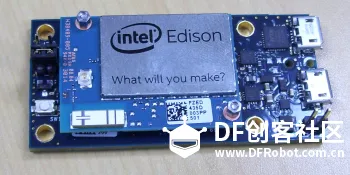
让我们从零开始了解到底Edison是个什么东东,它到底有多大的魔力。小白们不要有任何心理压力,在这里我们会从小白成长成(●—●)的!
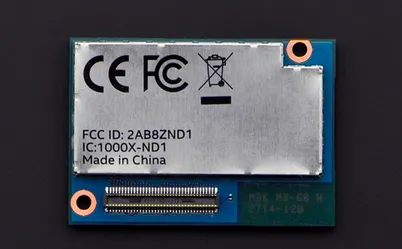
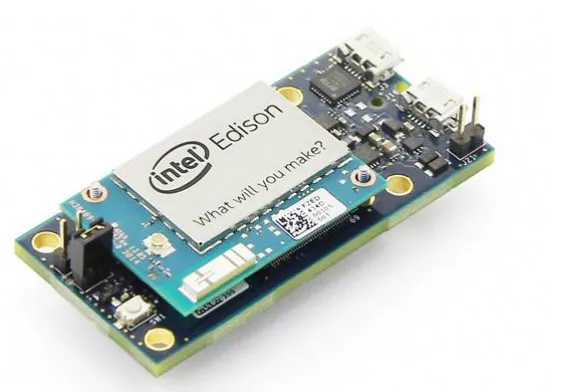
首先来让我们看看它的真面目:
<center><img src="http://intel.eetrend.com/files/filefield_paths/31.png" alt=""></center>
<center><img src="http://intel.eetrend.com/files/filefield_paths/32.png" alt=""></center>


分别是Edison的正面和反面。
我们来看下这个小小身躯下的它的能量有多大:
CPU:22纳米双核双线程500MHz的英特尔Atom处理器
协处理器:100 MHz 英特Quark处理器
RAM:1 GB LPDDR3 @800MHz
Flash:4GB eMMC and SDIO interface
GPIO:70 pins
WiFi: 双频 802.11 (a/b/g/n)
Bluetooth:蓝牙2.1/4.0
USB:1 USB-OTG
其他接口:SPI, UART, I2C, PWM
工作电压:7 to 15 VDC
Edison功耗:
无通讯待机:13 mW
蓝牙开启待机:21.5 mW
WiFi开启待机:35 mW
尺寸:35.5mm*25.0mm*3.9mm
重量:模块50克
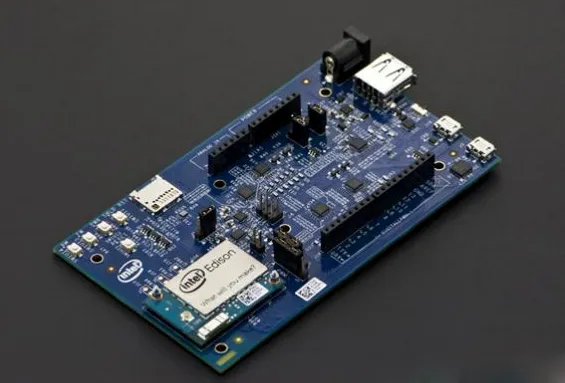
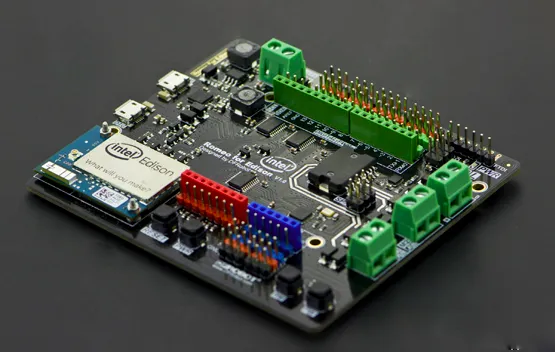
但仅仅有一个Edison,我们还不能很好的把它用起来,怎么办呢?我们还需要一个扩展板,通过这个扩展板,把Edison上的 I/O 都放大到可以使用的接口。
为此我们有挺多选择:
<center><img src="http://intel.eetrend.com/files/filefield_paths/33.png" alt=""></center>
<center><img src="http://intel.eetrend.com/files/filefield_paths/34.png" alt=""></center>
<center><img src="http://intel.eetrend.com/files/filefield_paths/35.png" alt=""></center>


前两个是Intel官方的扩展板 分别叫做:Arduino* expansion board 和 mini breakout board
第三个是DF的产品 Romeo
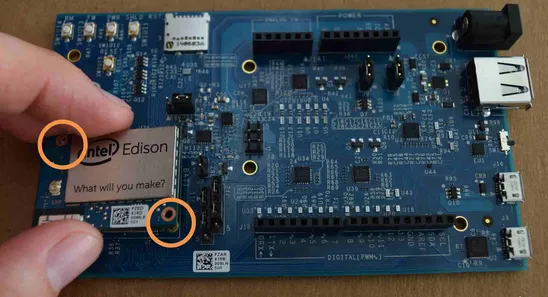
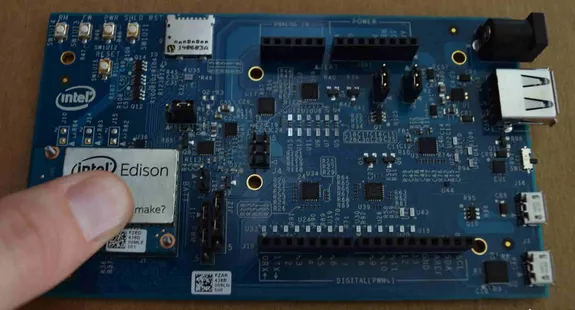
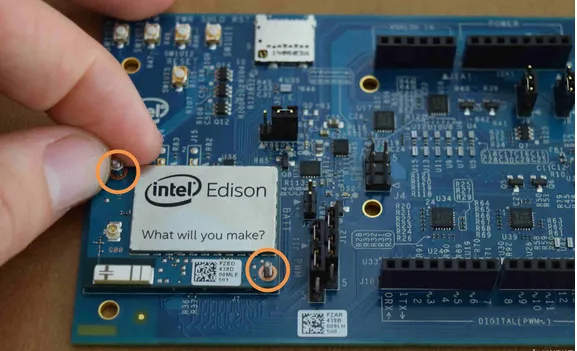
当我们有了Edison,有了接外设用的扩展板之后,我们需要把Edison安装在扩展板上:
<center><img src="http://intel.eetrend.com/files/filefield_paths/36.png" alt=""></center>
<center><img src="http://intel.eetrend.com/files/filefield_paths/37.png" alt=""></center>
<center><img src="http://intel.eetrend.com/files/filefield_paths/38.png" alt=""></center>


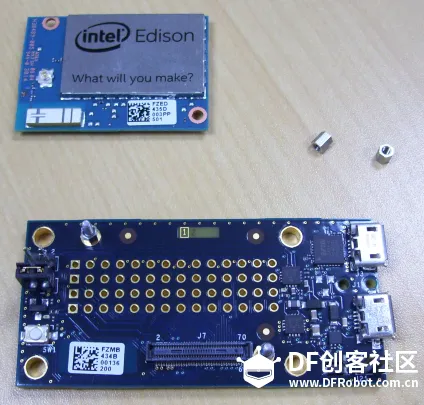
或者使用Mini:
<center><img src="http://intel.eetrend.com/files/filefield_paths/39.png" alt=""></center>
<center><img src="http://intel.eetrend.com/files/filefield_paths/40.png" alt=""></center>
<center><img src="http://intel.eetrend.com/files/filefield_paths/41.png" alt=""></center>


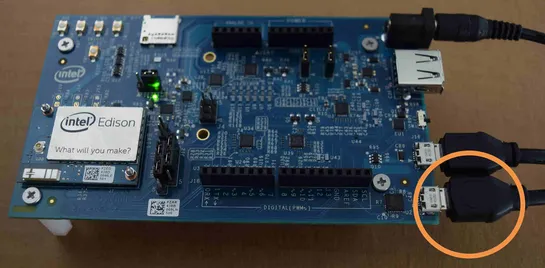
本次课程的最后一步,上电。
<center><img src="http://intel.eetrend.com/files/filefield_paths/42.png" alt=""></center>
<center><img src="http://intel.eetrend.com/files/filefield_paths/42.png" alt=""></center>

当扩展板上的两盏绿色的LED都点亮的时候,Edison就开始正常的工作了。尽管我们还看不到任何内容的输出,但Edison确实心潮澎湃的开始运行一个很小的Linux操作系统了。
一个火柴盒大小的电脑已经摆我们面前了,它能给我们带来些什么呢?让我们拭目以待吧……
文章来源:<a href="http://www.dfrobot.com.cn/community/forum.php?mod=viewthread&tid=12…